Social Saver is an independent app. It is not affiliated with, endorsed by, or sponsored by any social media platform or its brands.
Save a public video or post
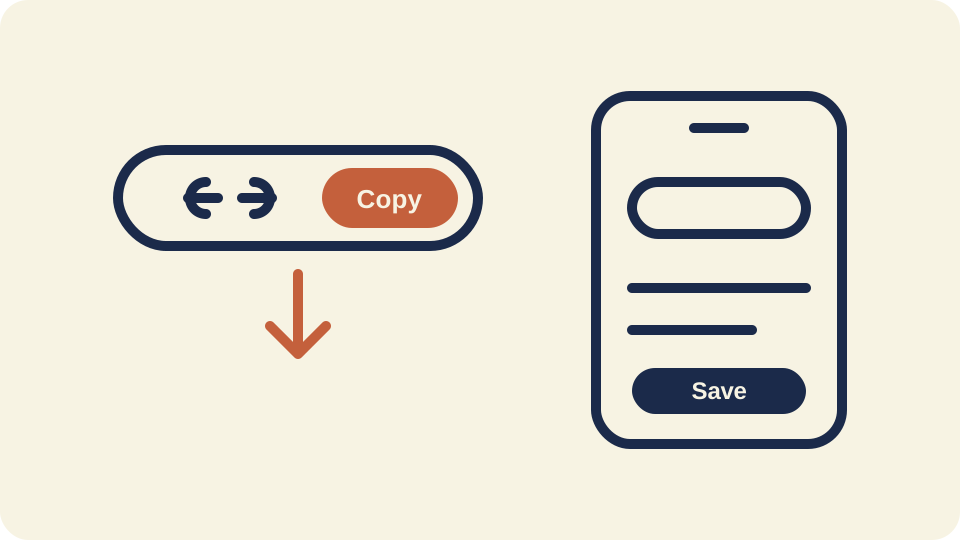
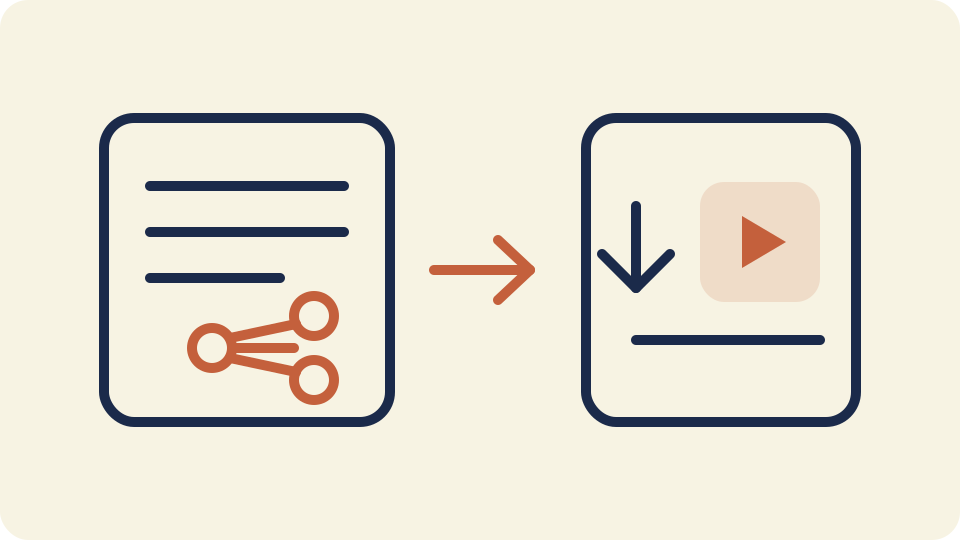
- Open the post and copy its public share link.
- Return to Social Saver, tap Paste, then Analyze link.
- Select thumbnails, complete the on-screen steps, and save to your device.
For a detailed walkthrough see our video posts guide.
Save from a public share link
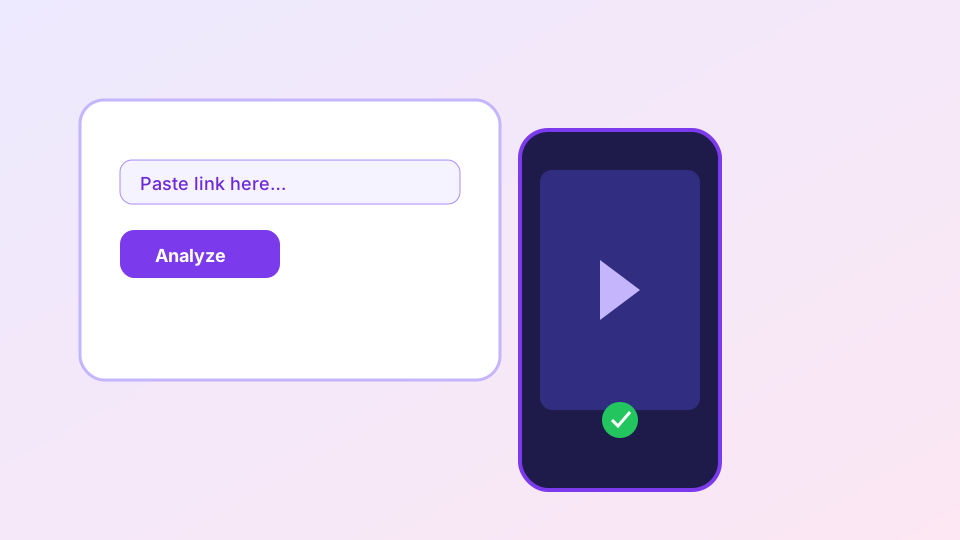
Copy a public watch or share link, paste it into the field above, and tap Analyze. When multiple formats are available we prefer higher-quality progressive MP4 files suitable for phones and desktop players.
Read more in the share links guide.
Supported links & limitations
We accept many public video and photo post URLs from supported platforms. Profile links, private stories, and login-only content are not supported. Read the full supported link types guide and public stories guide before pasting a story URL — most stories fail because they are audience-restricted, not because the tool is broken.
Copyright & permissions
Only download media you created, licensed, or have explicit permission to save. Redistributing someone else's videos without permission may violate copyright and platform terms. Our copyright guide explains permitted uses and how to report misuse.
Mobile apps (Android & iOS)
Prefer an app? Download Social Saver from Google Play or the Apple App Store. The app uses the same production API at https://www.zoeapps.tech/powerdownloader for analyze and download — your links stay on your device until you choose to save media.
Legal & responsible use
Only download content you created, purchased, or have explicit permission to save. Respect copyright, platform terms, and privacy. For takedown requests contact mh.dxb17@gmail.com. See our Terms, Privacy policy, and DMCA page.